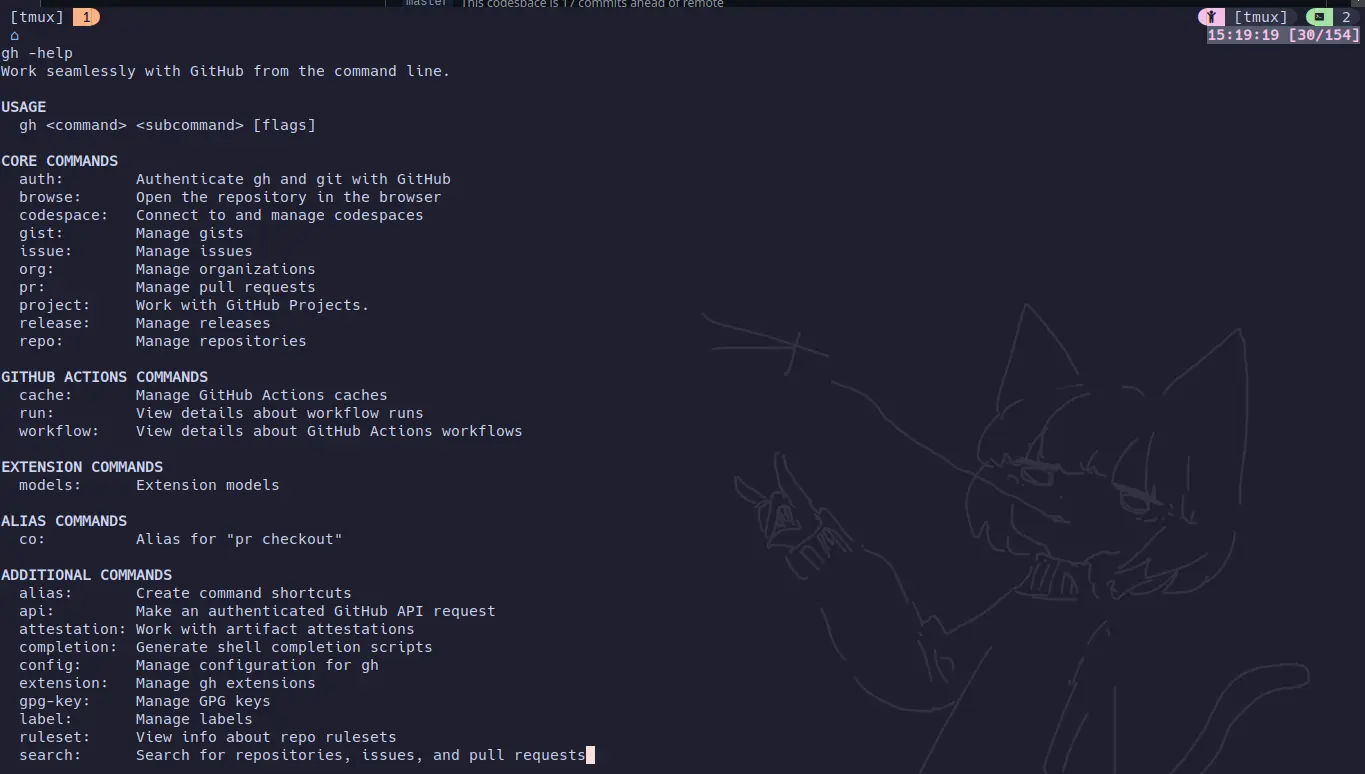
Github CLI is Cool!
If you’re not using Github CLI you really are missing out. I’ve been diving deep and honestly, it’s been a real game-changer for my workflow. If you like to try and stay inside the terminal with git being at the heart of everything is super helpful. Let me show you how I’m using it to streamline everything from Codespaces to AI powered development.
Getting Started with GitHub CLI
First things first, download the CLI tool with:
# On macOSbrew install gh
# On Windowswinget install GitHub.cli
# On Ubuntu/Debiansudo apt install ghAfter installation, authenticate with:
gh auth loginFrom here you can sign in when the browser opens.
Managing Pull Requests Like a Pro
Instead of clicking through the GitHub UI, I handle PRs right from my terminal:
# Create a PR and reference an issuegh pr create --title "feat: add user authentication" --body "Closes #42"
# Check PR status (super helpful during CI runs)gh pr status
# Review a PR's changesgh pr diff
# The real MVP - checkout a PR locallygh pr checkout 123Codespaces - Your Dev Environment Anywhere
I’ve been loving Codespaces for consistent development environments. The free tier with, like, 120 hours on a 4gb machine is awesome when you don’t have a good machine or server you can use. Here’s how I manage them:
# Start a new Codespace with beefier specsgh codespace create -r myorg/myrepo
# List all my active Codespacesgh codespace list
# SSH into an existing Codespacegh codespace ssh -c mycodespace-nameAdding Extensions Using GitHub Copilot from the CLI
This is where Github CLI really shines. You can add community built extensions like gh-dash and gh-models to improve and extended usability. You can start experimenting with GitHub’s AI features through the CLI and here is how copilot would work:
# Install the Copilot extensiongh extension install github/gh-copilot
# Get AI-powered command suggestions and you cangh copilot suggest "command to find all python files modified in the last week"
# Get explanations for complex commandsgh copilot explain "git rebase -i HEAD~3"It’s hard to find a happy medium with Ai but these AI features can significantly boost productivity, especially for complex tasks or when working with unfamiliar commands. I don’t care what people say; they are super helpful. Github offers a lot of models for free right now for building AI applications, which can be done in codespaces for quick setup. Then there is also a playground mode on the website like some others do. Here is how you can use latest models at no cost via the CLI.
Using GitHub Models from the CLI
GitHub CLI also integrates with these models, which makes it really easy to access AI in your terminal for fast answers without using any resources besides internet data. It is helpful to set aliases if you don’t want to enter the menu and choose a model. Here’s how you can leverage them:
# Install the GitHub Models extensiongh extension install github/gh-models
# List available AI modelsgh models
# Run a model with a promptgh models run gpt-4o "why is the sky blue?"Repository Management
Working with repos becomes much smoother:
# Clone a repo (way faster than copying URLs)gh repo clone myorg/myrepo
# Create a new repo and set it up locallygh repo create my-new-project --public --clone
# View repository insightsgh repo view --webQuick Issue Management
And for those times when you need to create or track issues or maintainers:
# Create an issue with labelsgh issue create --title "Bug in login flow" --label "bug,urgent" --assignee @me
# List all issues assigned to yough issue list --assignee @me
# Close an issuegh issue close 123 --comment "Fixed in PR #456"Custom Scripts and Aliases
With Github CLI, you can add aliases or pipe commands together, even using the api into easy to use scripts, you can save a lot of time. Here’s one I use for new projects based on templates that creates a branch and starts a Codespace with one command:
#!/bin/bashsetup_project() { local repo_name=$1 local template=$2
# Create new repo from template gh repo create "$repo_name" --private --template "$template"
# Clone and set up Codespace gh repo clone "$repo_name" cd "$repo_name" gh codespace create
# Set up branch protection gh api "repos/$repo_name/branches/main/protection" \\ --method PUT \\ --field required_status_checks.strict=true \\ --field required_pull_request_reviews.required_approving_review_count=1}
# Usage: setup_project "new-project" "org/template-repo"Why Use Github CLI
Moving to Github CLI may not seem like a big change, but it has seriously improved my productivity. No more context switching between browser tabs, no more clicking through menus, and way less time spent on repetitive tasks. Plus, with the AI features integrated right into the terminal; it’s just super convenient. Whether you’re managing pull requests, creating repos, spinning up Codespaces, or leveraging AI with gh models, having everything accessible from the terminal just makes sense. It’s well worth giving it a try over plain git commands!